A place to keep your voice memos
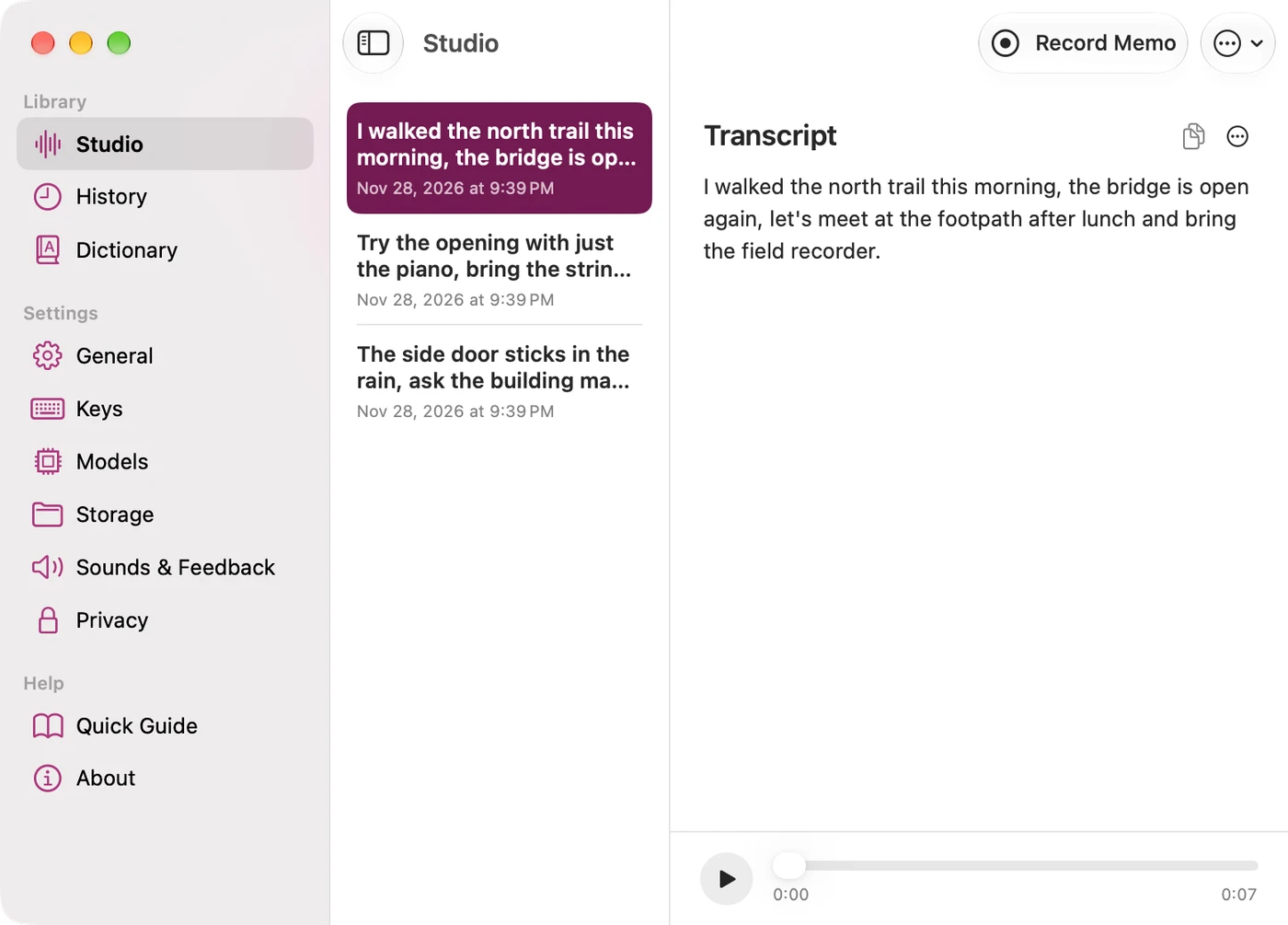
Dictation puts words wherever your cursor is. Sometimes you just want to get a thought down before you’ve decided where it belongs. Open Studio from the Reecho window and choose Record Memo.
Stop & Save keeps the recording while Reecho transcribes it on your Mac. Select the memo to listen again, scrub back to a phrase, or copy the text. If you stop transcription halfway, you can still play the original audio.
Memos start out on your Mac. Open Storage to choose an iCloud Drive library or a folder of your own. Switching libraries leaves earlier recordings where you made them.