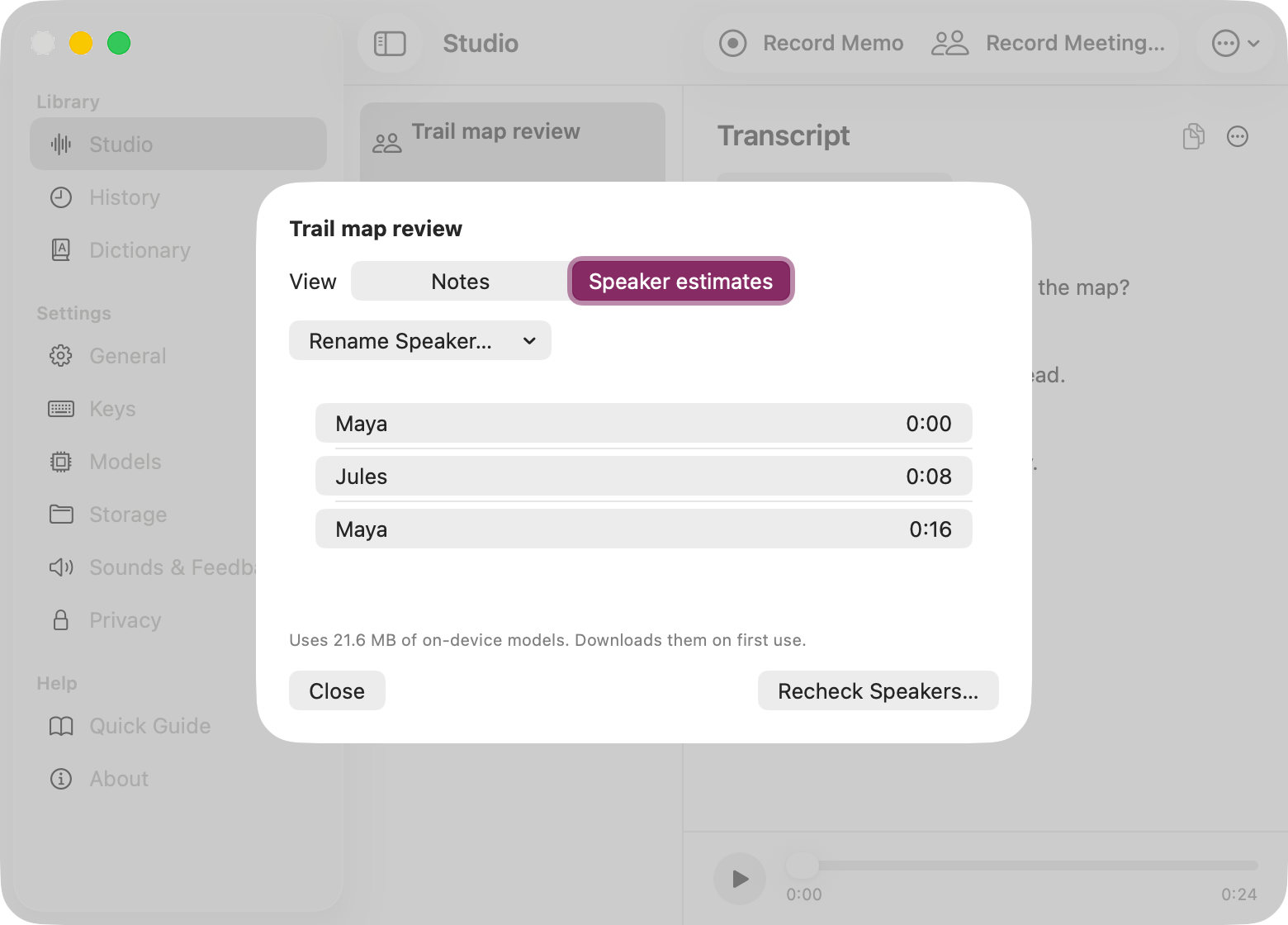
Give a meeting speaker a name
In Notes & Speakers, open Speaker estimates. Click a turn to hear the voice, then choose Rename Speaker and enter a name. The name belongs to that recording. Clear it to go back to the number.
Studio now compares voices across the whole recording. If an older meeting gave one person several numbers, choose Recheck Speakers before naming anyone. Quick replies and people speaking at once can still be hard to separate.
When you share a meeting, your assistant can read the names and use them on passages Studio could attribute. If you use the private ChatGPT plugin, replace its helper with the copy from this update and reinstall the plugin.