When a voice memo becomes a meeting
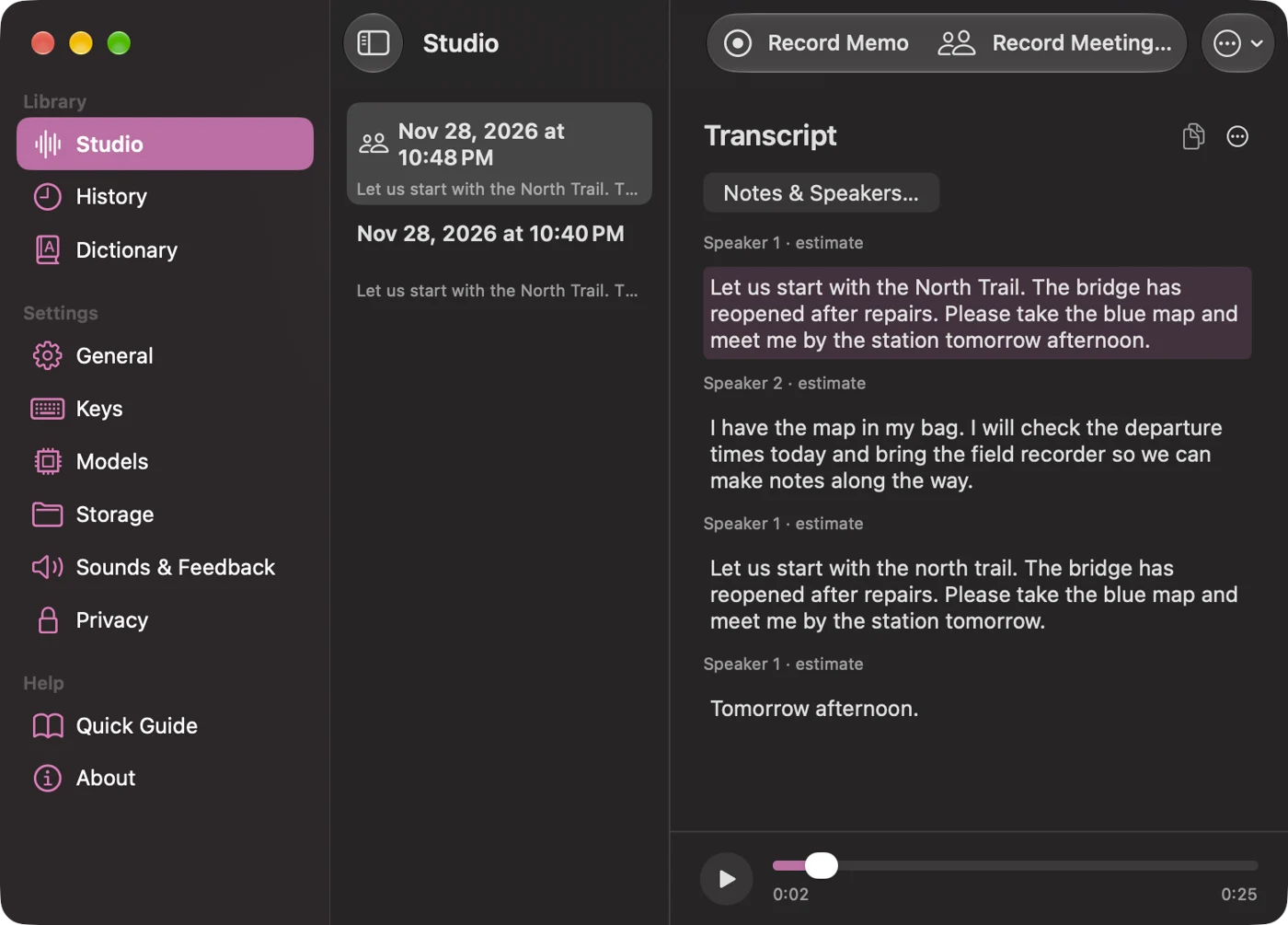
Choose Record Meeting in Studio to record people in the room, or import a call recording. If it’s on your Mac calendar, pick the event to use its title.
You can also start with Record Memo. Turn on Detect Speakers in New Memos in Library Options and Studio will mark a memo as a meeting when it hears two distinct voices. If it guesses wrong, choose Mark as Voice Memo. The audio stays where it was.
Play a recording to follow the highlighted passage. Speaker numbers are estimates for that recording. Click a turn in Notes & Speakers to listen for yourself.
Meetings is labeled beta in Studio. Download Reecho 0.4.0 or choose Check for Updates in the app.